Sonder
ESP32 TTGO T-Display
Tools
ESP32 TTGO T-Display, Arduino IDE, C++, Battery
Skills
Embedded Systems Programming, Generative Art, Display Rendering, Hardware Integration, Creative Coding
Sonder (n.) the realization that each passerby is living a life as vivid and complex as your own.
Inspired by sonder, I created a generative art installation on an ESP32 TTGO T-Display that displays a landscape of different windows that represent different lives and stories. Installed alongside my classmates' devices in the fifth-floor Milstein hallway, the piece became part of something larger — many small screens, many perspectives, all coexisting at once.
skip to final
⚙️
PROCESS
In the beginning, the schematic felt completely overwhelming — I couldn't see how something so technical could ever become something meaningful. But as I got more comfortable with the layout, I realized that within all the strict rules of a circuit, there was still space to play, to rearrange, to make it mine. Here are the steps I took to build my PCB Heart!
Building Steps
click on sections to skip
Learning Generative Art
Before jumping into the project, we spent time in class learning what it means for code to be generative — not just a looping animation, but a system that uses randomness and changing values over time to create something that never repeats exactly. We explored techniques like modulus (%) for wrap-around effects and sin/cos for smooth oscillation, and learned a creative coding strategy: tune your parameters, replace them with code snippets, refactor, then make structural changes. The biggest takeaway? Imprecision is part of the process — keep trying different things and see what happens!
Getting Comfortable with the ESP32
Before getting started on my generative art, I created a simple display of a white light flashing to first get comfortable with the ESP32 set-up. I configured the platformio.ini file, installed the necessary USB drivers, and ran the example code using VSCode with the PlatformIO extension and the TFT_eSPI library.
It sounds simple, but seeing the screen light up for the first time from code I had set up was so exciting to see! It was a good gateway into seeing what the ESP32 was capable of.
**My friend (shoutout to Mima! 👋) and I got so excited that we started playing around with the code and ended up building a mini Doodle Jump game on it for fun.** - more games coming soon…👀
flashing white light
doodle jump game! 🎮
Creating Sonder
With the concept locked in, it was time to actually build it — and that's where things got tricky.
The hardest part was coding the windows. I needed each window across three buildings to blink independently, at different times, in different colors. I couldn't just loop through them all at once. I had to use a frame counter and modulus (%) to control the timing, randomly toggling individual windows on and off each cycle. I also looked up math functions to help manage the randomness and timing offsets. I put that generative art lesson straight to work.
For the colors, I wrote a randomWindowColor() function that returns one of four warm tones — yellow, blue, pink, or green — so each window felt alive and distinct.
The transitions were another challenge. My first instinct was to show the buildings and the text at the same time, but the display felt cluttered, and the message could barely be seen. I separated them into two distinct moments: the cityscape runs for 5 seconds, flickering its windows, then fades to the text — "every window tells a different story" — for 3 seconds before cycling back. That sequencing made all the difference. The cityscape lets you feel something first, and the text gives it a name.
Check out the cod in my GitHub repo below!
Installation
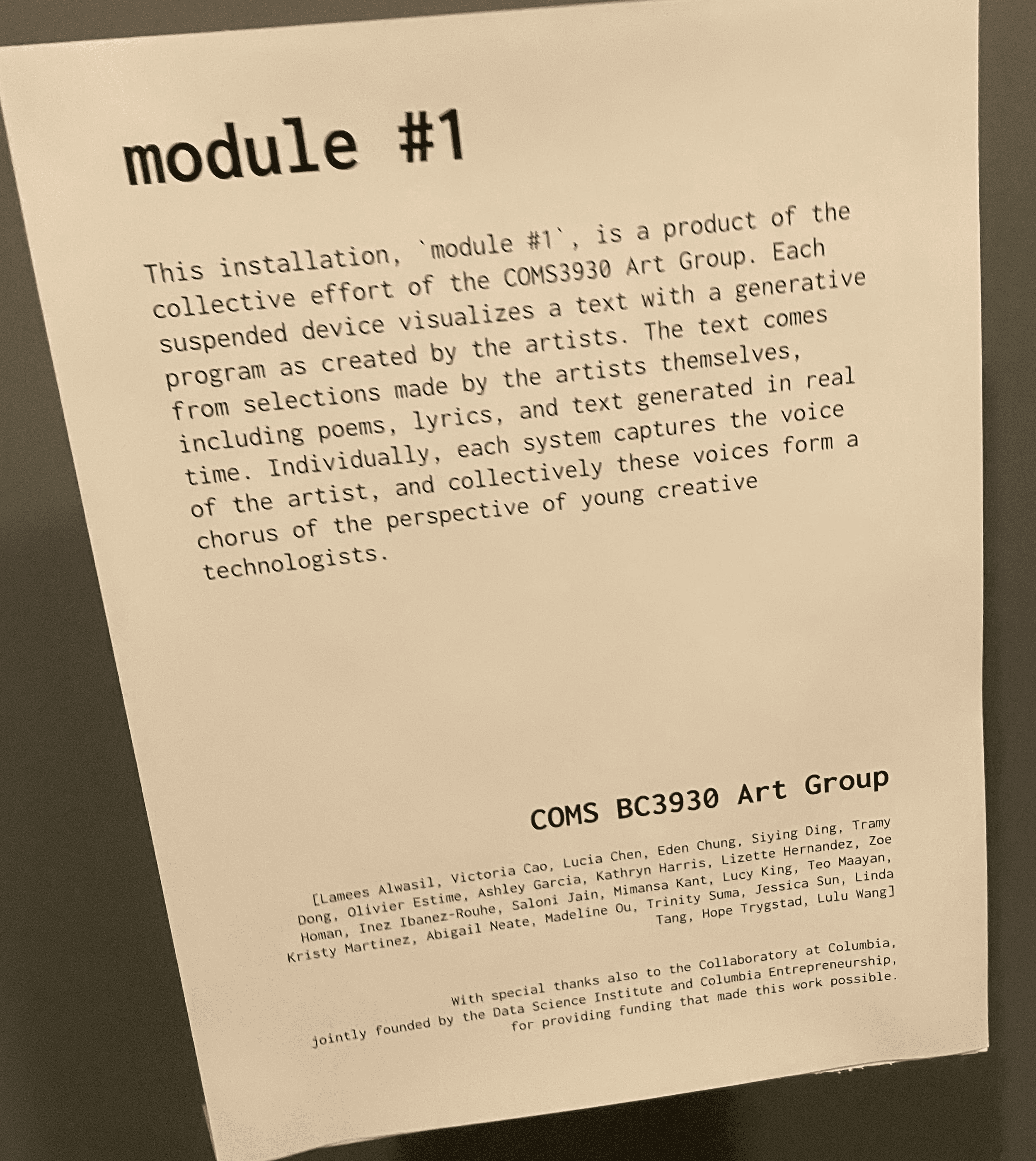
The final part was hanging the piece in the hallway for the installation alongside everyone else's ESP32 projects. Each device dangling in its little paper envelope, all running at the same time — different visuals, different ideas, different creative perspectives all coexisting in one hallway. It was kind of its own accidental moment of sonder. A whole collection of tiny screens, each one holding someone's whole creative world.
DETAIL SHOTS
📸
all my classmates' AMAZING pieces!!!💥
When I saw my piece hanging in the installation, it felt like a full-circle moment. I had been so hyperfocused on developing every detail, every window — and then I took a step back and saw it as just a speck among so many others, all flashing different colors, different designs, different meanings.
Walking around to see my classmates' work stopped me in my tracks. "This is so cool!” “I would have never thought of this." "I never thought to see things that way." That realization is sonder.
REFLECTION
💭
Thank you to Professor Mark and TA Miles for setting up and planning the art installation. It was my first time doing an installation for a class, so it was super exciting to see!!!
Also, thank you to all my classmates for all your help during the installation. It was so cool to see all your AMAZINGG pieces and hear about all the meanings of your pieces! I can't wait to do more installations with all of you throughout the semester!!🙌
THANK YOU!
💌